
For home viewers, a top VR platform should fit an ordinary evening as well as a first demonstration. Anyone considering Brain Dance VR at https://braindancevr.com/ can begin with the same household checklist: compatible equipment, useful content, clear account controls and a setup that is easy to repeat. The right choice depends on how and where the service will be used.
Build the comparison around your room
Start with the space you already have. Decide whether you are looking for seated video viewing, an interactive experience or a combination of activities. Check the requirements of the individual content and follow the headset manufacturer’s instructions for the physical setup. Do not assume that one arrangement is appropriate for every experience available through the device.
Then consider the small practical details: where the headset will charge, how controllers will be stored and whether audio will disturb someone else. These questions are easy to overlook during a short demo, yet they influence whether a device becomes part of a regular routine or stays in a cupboard between occasional visits.
Check sound and input together
A personal viewing setup involves more than a picture. Locate the volume controls before starting and check which audio device is active. If you plan to use headphones, confirm their connection with the headset and software route. Avoid assuming that a computer’s selected output will automatically be the right output once an immersive session starts.
Input deserves a similar check. Find the pause, back and exit actions, and test them using the controller or other supported input method. A service that looks simple on a laptop can involve different interactions inside a headset. Evaluate that experience directly where a trial or sample makes it possible.
Understand what browser access does and does not mean
Web access can be convenient, but the headset’s browser remains part of the setup. The W3C WebXR specification describes interfaces for accessing immersive devices from the web. The availability of a web address should therefore be treated separately from confirmation that an immersive session is supported by a particular browser and device.
For each service, look for a current help page naming the supported route. Open a sample through that route if one is available. Record any extra sign-in, permission or installation steps so that your comparison reflects the real process, rather than the shortest path shown in a promotional video.
Give shared-device settings a place on the list
If more than one adult uses the same headset, examine account switching, sign-out and what is visible on the next visit. A shared device does not necessarily mean a shared subscription is permitted, so read the service’s account terms. Keep individual preferences and viewing activity in mind when deciding how the household will use personal media accounts.
It is also worth checking the available controls for casting or sharing a view with another screen. Know whether a session is private to the headset or being displayed elsewhere before you begin. These controls are part of the user experience, even when they rarely appear in headline feature comparisons.
Use a household scorecard
Make a short table with the factors that affect your routine: setup steps, suitable content, audio arrangement, account controls and total cost. For Canadian readers, include the billed currency when comparing services with prices shown in different currencies. Use the actual checkout terms for taxes, renewal and cancellation details.
Give the most weight to the tasks you will repeat often. If finding and starting a suitable video takes several unnecessary steps, a long list of optional features may not compensate. A top VR platform for home use is one whose catalogue and daily workflow match the people, equipment and space involved.
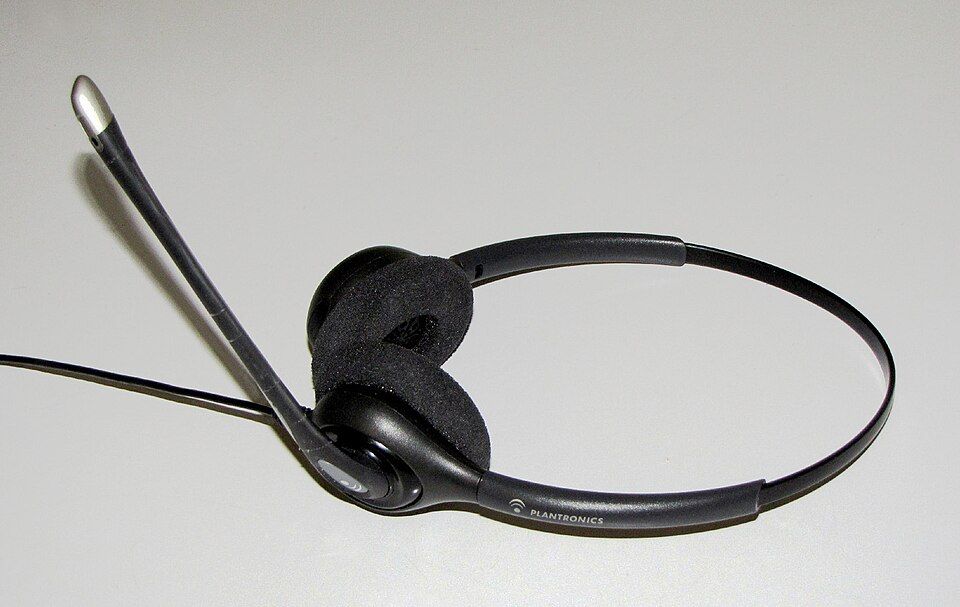
Image: Plantronics audio headset. Photo by Petey21, Wikimedia Commons; CC0 public-domain dedication. Illustrative audio equipment, not a Brain Dance product image.